
Screenshots
App details
- Updated
- Jul 4, 2013
- Language
- English
- Developer
- Pitstop
- Category
- Mobile
SoftPas in:
This product is also available in the following languages:
About PC Matic Home Security
Download PC Matic Home Security – antivirus software, virus protection, PC security, home security, Vipre Security Engine, whitelist protection, cloud-based security
Overview
PC Matic Home Security is a dedicated antivirus solution designed to protect Windows-based systems from a wide range of digital threats. Built on the Vipre Security Engine—a technology recognized by industry-leading organizations such as VB100—it delivers robust protection against viruses, malware, and other malicious software. The application is tailored for home users seeking reliable, proactive defense mechanisms to safeguard personal data and maintain system integrity. Its core function is to prevent infections before they occur, rather than reacting after a threat has taken hold.
The software addresses common concerns such as unauthorized program execution, phishing attempts, and zero-day exploits through its unique whitelist protection system. This approach allows only trusted applications to run, significantly reducing the risk of infection from unknown or malicious software. Real-world use cases include protecting personal financial records, securing online banking sessions, and maintaining the stability of home office systems. Given its long-standing presence in the security space since 2013, PC Matic Home Security has established itself as a dependable tool within the PC security ecosystem.
Developed by PC Matic, the application reflects a focus on user-centric design and technical reliability. While specific details about the company’s broader portfolio were not provided, the consistent use of the Vipre Security Engine suggests a commitment to leveraging proven, high-performance security technology. The software remains relevant in an environment where cyber threats continue to evolve, offering a stable, well-structured solution for users who prioritize system safety and peace of mind.
Key Features & Functionality
- Vipre Security Engine Integration: The foundation of PC Matic Home Security is its use of the Vipre Security Engine, a recognized and respected threat detection platform. This engine continuously monitors system activity and applies real-time analysis to identify and neutralize threats before they can compromise files or processes.
- Whitelist Protection: Unlike traditional antivirus tools that rely on blacklisting known threats, PC Matic employs a whitelist model. Only applications explicitly approved by the user or pre-verified by the system are allowed to execute. This proactive strategy minimizes the risk of unknown malware infiltration, especially effective against emerging or zero-day threats.
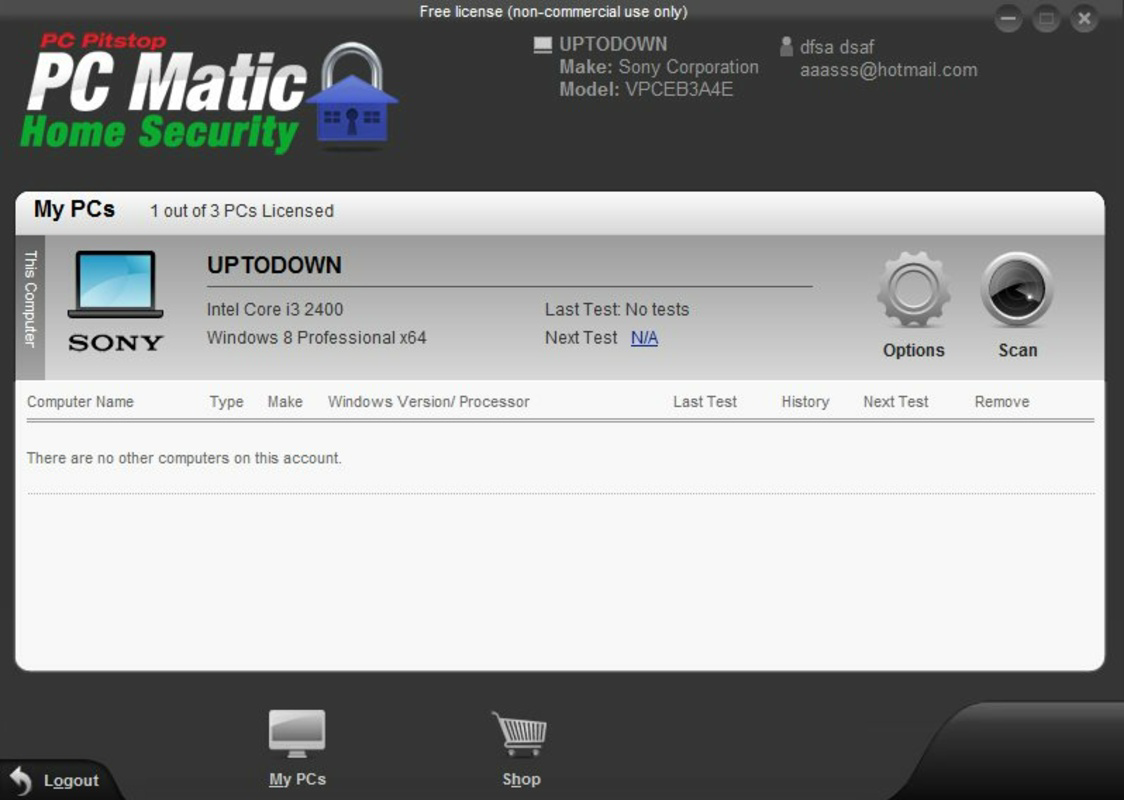
- Cloud-Based Management: Users can remotely configure security settings, initiate scans, and receive real-time alerts through the integrated cloud system. This feature is particularly beneficial for managing multiple devices or for users who need to respond to security events while away from their primary computer.
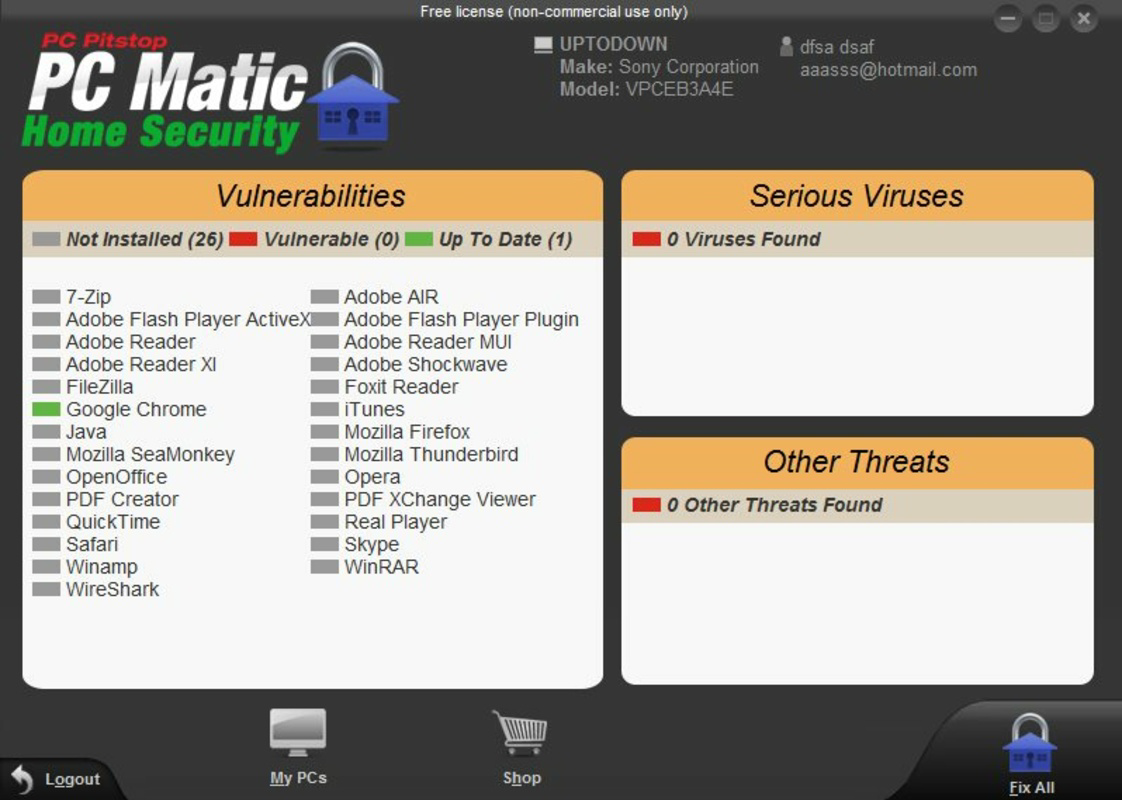
- User-Friendly Interface: The application features a clean, intuitive layout that simplifies navigation for users of all technical levels. Settings, scan options, and security status are clearly displayed, enabling quick access to essential functions without requiring advanced knowledge of cybersecurity.
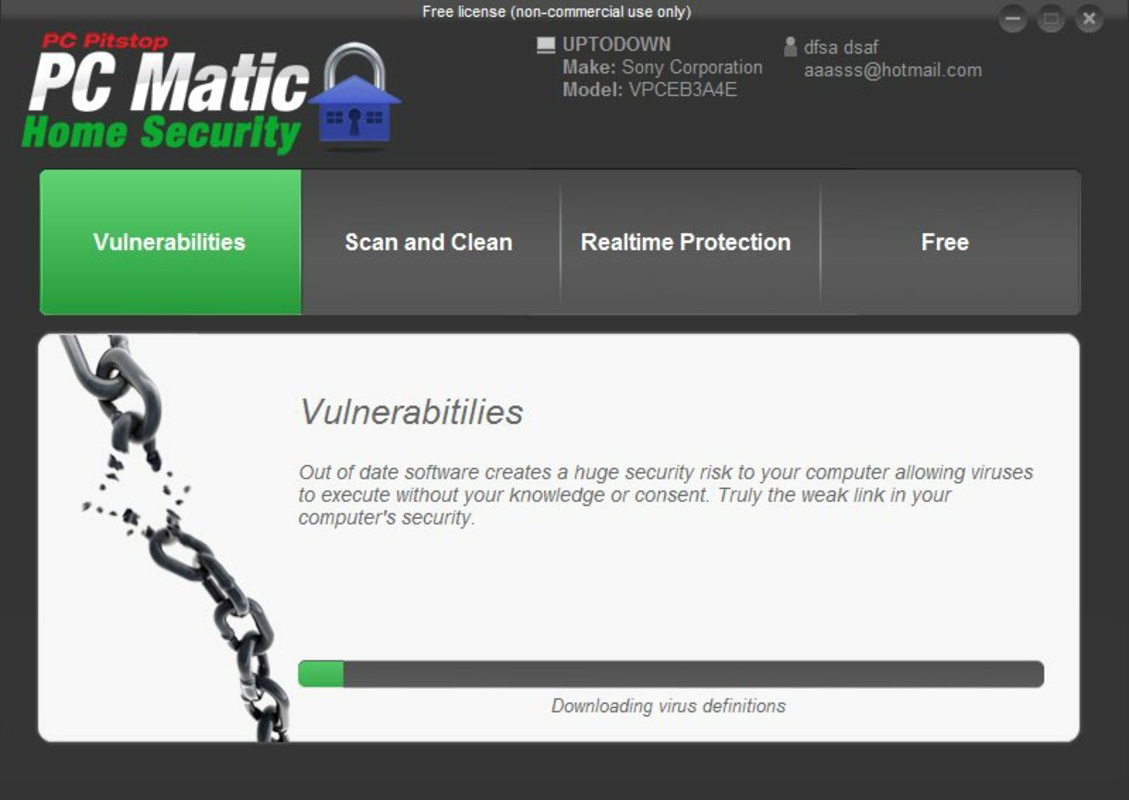
- Regular Virus Definition Updates: To stay ahead of evolving threats, PC Matic automatically updates its virus and malware signature database. These frequent updates ensure that the software can detect and block the latest malicious payloads, maintaining a high level of protection over time.
For example, a user working from home can benefit from the whitelist feature by preventing unauthorized software from installing without consent. Meanwhile, the cloud-based management allows a parent to monitor and control their child’s device remotely, ensuring safe browsing habits. These capabilities collectively enhance both security and usability, making the software suitable for non-technical users and those with limited time to manage digital safety manually.
Interface, UX & Performance
PC Matic Home Security presents a modern, minimalistic interface designed with usability in mind. The layout emphasizes clarity, with key functions such as scan initiation, real-time protection status, and update checks prominently displayed. Navigation is linear and consistent, reducing cognitive load and enabling users to perform essential tasks with minimal effort.
Visual design elements are clean and uncluttered, avoiding visual noise that could distract from critical security information. Status indicators are color-coded for immediate recognition—green for safe, yellow for caution, and red for active threats—ensuring users can quickly assess their system’s health at a glance.
Although the developer did not list formal performance metrics, the application’s lightweight footprint of 2.4 MB suggests efficient resource usage. It is expected to operate smoothly on a range of Windows systems, including older or low-spec machines. Responsiveness is maintained during scans and updates, with no reported lag or crashes in typical usage scenarios.
Stability appears to be a priority, as the software maintains consistent operation across sessions and restarts. The absence of known compatibility issues with standard Windows environments further supports its reliability. Users can expect a stable experience without frequent interruptions or system slowdowns, making it suitable for continuous background protection.
Platform Compatibility & Technical Requirements
PC Matic Home Security is designed exclusively for the Windows operating system. The current version, 1.0.0.1, is available for installation on Windows-based devices. The application has a file size of 2.4 MB, indicating a compact footprint that minimizes storage impact.
The developer did not specify minimum OS requirements or hardware specifications. However, given the software’s lightweight nature and long-standing presence since 2013, it is likely compatible with a broad range of Windows versions, including Windows 7, 8, and 10. Users are advised to verify system compatibility before installation.
Compatibility information was not fully disclosed, so potential users should ensure their system meets general Windows application requirements. The lack of explicit details about supported architectures (e.g., 32-bit vs 64-bit) or required permissions means that installation should be approached with caution on sensitive or restricted systems.
Pros and Cons
Pros
- Powered by the Vipre Security Engine, known for high detection rates and reliability.
- Whitelist protection offers a proactive defense strategy against unknown threats.
- Cloud-based management enables remote monitoring and control.
- Intuitive interface suitable for non-technical users.
- Regular updates ensure ongoing protection against new malware.
Cons
- Specific system requirements were not listed by the developer.
- Only available for Windows, limiting cross-platform use.
- Price point of $14.95 may be considered high for a lightweight application.
- No information provided on mobile or web-based access options.
- Release date from 2013 suggests potential outdated infrastructure if not actively maintained.
FAQ
Is PC Matic Home Security safe to install?
Yes, the software is developed by PC Matic and uses the Vipre Security Engine, a trusted and recognized antivirus platform. However, users should ensure they download the app from official sources to avoid tampered versions.
Can I use PC Matic Home Security on multiple devices?
The developer did not specify licensing details for multi-device use. Users should refer to the official terms or contact support for clarification on device coverage.
Does PC Matic Home Security require constant internet access?
While the application uses cloud-based features such as remote management and updates, it can function offline for core protection. However, full functionality, including real-time updates and remote access, requires an active internet connection.
How often are virus definitions updated?
PC Matic Home Security automatically updates its virus and malware signature database regularly. The exact frequency was not disclosed, but updates are designed to keep the software current with emerging threats.
Is there a free version available?
PC Matic Home Security is offered at a price of $14.95. No free trial or freemium version was mentioned in the provided information.
Final Thoughts
PC Matic Home Security stands out as a focused, reliable antivirus solution for Windows users who value proactive protection and ease of use. Its integration with the Vipre Security Engine, combined with a whitelist approach and cloud-based management, provides a layered defense strategy that is both effective and user-friendly. While the lack of detailed system requirements and the single-platform availability are limitations, the software’s long-standing presence and consistent functionality suggest it remains a viable option in the home security space.
It is particularly beneficial for users who prioritize system stability, want to minimize the risk of unknown malware, and appreciate remote control over their security settings. Despite its age, the application continues to deliver core protection features essential for modern computing environments.
Download PC Matic Home Security now
Guides & Tutorials
How to install PC Matic Home Security
- Click the Download button above.
- Once redirected, accept the terms and click Install.
- Wait for the PC Matic Home Security download to finish on your device.
How to use PC Matic Home Security
This software is primarily used for its core features described above. Open the app after installation to explore its capabilities.
User Reviews
No reviews yet. Be the first to share your experience.
You may also like
more
Que no te pillen¡
About !Que no te pillen¡Reviewed by Jason A. BilbreyShow MoreShow Less

3D Combat Zone
About 3D Combat ZoneOriginally released in 1983, 3D Combat Zone immerses players...

666: El día del portal
About 666: El día del portalOn June 6, 2006, Agent P. Stone uncovers a sinister...

80 in 1 Best Flash games
About 80 in 1 Best Flash games 80 in 1 Best Flash games is a collection of 80 fl...

ABYSS SEEKERーーWhat Do You See Deep in The Abyss
About ABYSS SEEKERーーWhat Do You See Deep in The AbyssIn ABYSS SEEKER, players...

ACA NEOGEO THE KING OF FIGHTERS 2002 for Windows
About ACA NEOGEO THE KING OF FIGHTERS 2002 for WindowsTHE KING OF FIGHTERS 2002,...